



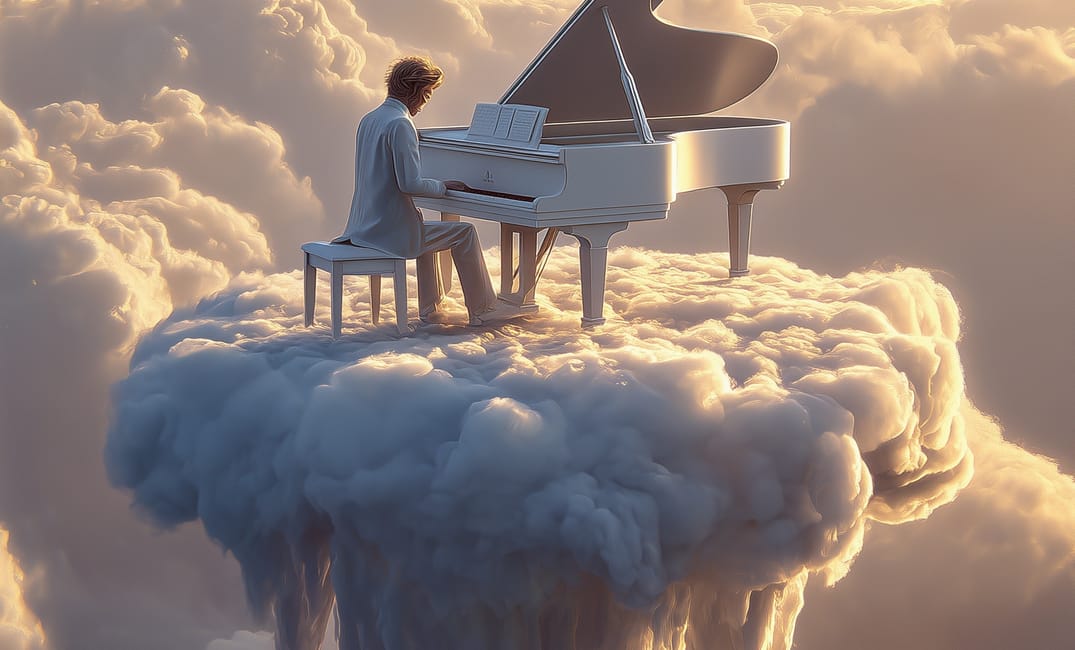
Generative AI tools like Midjourney and Stable Diffusion have changed the game, turning mere text into stunning visuals. However, not all prompts are created equality.
Moving past simple descriptions requires understanding the key components that give the AI the necessary context and direction to produce gallery-worthy art. This guide breaks down the essential structure of a prompt that commands attention.
Defining your core intent and subject
Every powerful prompt starts with a clear subject and a statement of the desired action. Think of this as the main noun and verb of your visual sentence.
Is it a lone astronaut, a futuristic cityscape, or a dramatic portrait? Specificity here is your best friend. Instead of "a city," try "a sprawling neon-drenched metropolis at dusk."
- Subject/Concept: The central focus (e.g., "A stoic, elderly lighthouse keeper").
- Action/Scene: What the subject is doing or where it is (e.g., "watching a distant storm").
- Style/Medium: The artistic direction (e.g., "digital painting, inspired by Zdzisław Beksiński").
- Lighting/Mood: The atmosphere and color palette (e.g., "volumetric light, dark academia aesthetic").
- Technical Parameters: Aspect ratios and quality settings (e.g.,
--ar 16:9 --quality 2).
By breaking down the prompt into these five parts, you transition from asking the AI to guess what you want to providing it with a detailed, actionable blueprint. Consistent use of this framework will dramatically improve your output quality and predictability across different models.
Advanced techniques for stylistic control
Once you master the basic structure, you can introduce advanced modifiers to push the boundaries of the AI's creativity. These are often used to refine textures, colors, or the overall level of photorealism.
Leveraging negative prompts
A negative prompt tells the AI what not to include. This is especially useful for eliminating common visual artifacts or unwanted elements like blurry backgrounds or distorted hands.
- Blurry, poorly rendered, ugly, asymmetrical.
- Watermarks, text, signature.
- Monochrome, oversaturated, low-res.
- Multiple heads, missing limbs.
Using weighting and emphasis
Some generators allow you to assign weight to specific words using syntax like double colons (::) or parentheses. This tells the AI which part of the prompt is the highest priority.
"The quality of your output is a direct reflection of the precision in your input. Think like a director, not a casual observer."
Learning to apply weights is the difference between a good image and an excellent one. Experiment with giving higher weight to the style or the subject until you find the sweet spot.
A grand castle::3, cinematic lighting::2, fantasy art::1 --ar 21:9
The example above ensures the AI prioritizes the "grand castle" element, followed by the lighting, and finally the general fantasy style, while using a cinematic aspect ratio.
Remember, the best prompt is a concise but detailed narrative. Keep refining your vocabulary, and don't be afraid to experiment with concepts from art history or photography terms.
Comments